


As we start the new year, many of us have goals relating to our social media presence. Whether you run social media for a large company or would like to achieve a certain aesthetic on your personal Instagram, these apps will help you take your photos and videos to the next level! All of these apps are super user friendly and have features that you can use for free (except Retouch).
1/ Lightroom
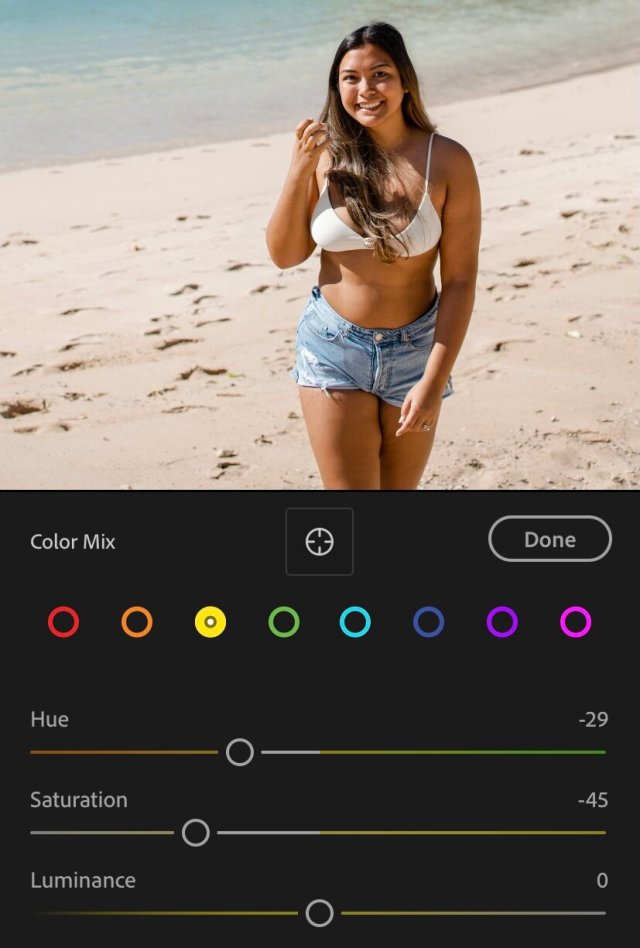
Lightroom is my go-to for everything photo editing. It is extremely user-friendly while boasting a ton of photo editing power. My favorite thing about Lightroom is the ability to edit individual colors. You can totally change the mood and aesthetic of a photo just by tweaking the saturation or luminance of a single color. You can also purchase presets from a lot of your favorite influencers to achieve a similar aesthetic as them. The best part? The free version of Lightroom is absolutely amazing and has most of the features of the paid version. Personally, I prefer the paid version so I can edit on my laptop and the photo bundle on Adobe also comes with Photoshop, which is nice to have as well. Download the app here.
2/ Retouch
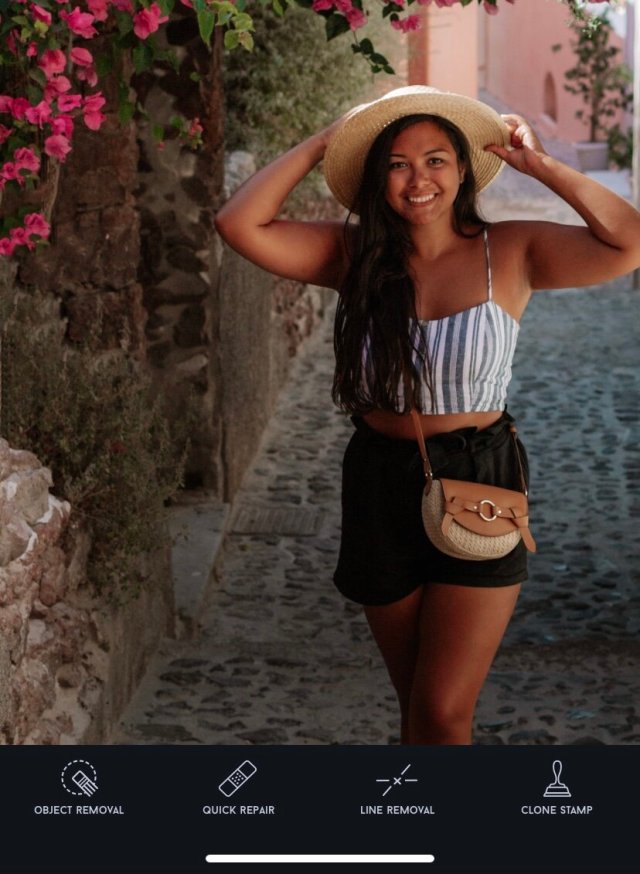
Retouch is the only app on this list that is not free to download. It is a one-time payment of $1.99 for unlimited use, and I think it is 100% worth it. Although Lightroom has features that allow you remove unwanted objects in your photos, I find Retouch to have a much cleaner-looking end product. You can remove entire objects or people from your photo with just a touch, seamlessly blending the photo where the object or blemish had been removed. If you’re looking for an app to quickly remove unwanted people or objects from your photo, this is the best one I’ve found. Download the app here.
3/ Lens Distortions
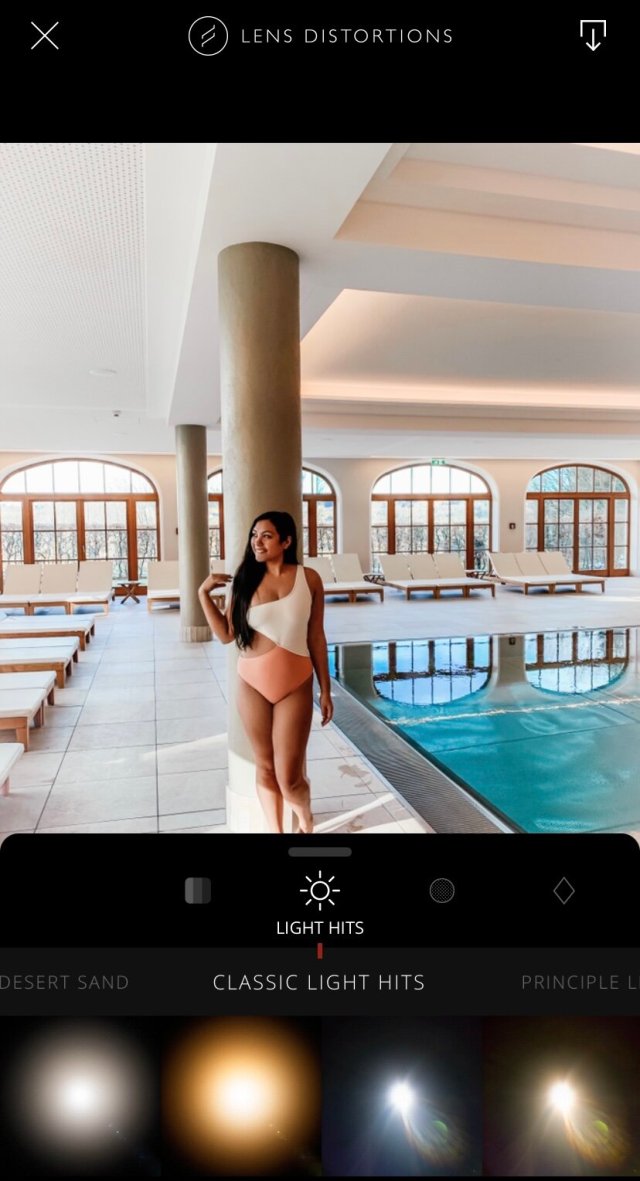
Lens Distortions allows users to add overlays and effects to your photos from lens flares to dust and natural elements such as snow and rain. I personally like using the app to add small light hits to the area of the photo where the sun would be hitting. There are several free features (which are the ones I use), but you can choose to upgrade to LD Unlimited to unlock their full library of premium features and photo effects. Download the app here.
4/ Tone Studio

Have you ever wanted to edit videos taken on your phone the same way you edit your photos? Enter Tone Studio. The Tone Studio app was created by Travel Instagram Influencers Lauren Bullen (@gypsea_lust) and Jack Morris (@doyoutravel). Not only can you use the app to edit your videos (and photos) with presets created by the two influencers, you can also edit each individual color and other components just as you would in a full-blown photo editor such as Lightroom. While there are other video editing apps on the market, the reason I recommend this one specifically is because you do not lose the quality of your video when you export your finished product. The app offers several purchasing options including free features, buying individual preset packs, and yearly/monthly subscriptions that give you access to every feature of the app. Download the app here.
5/ Unfold
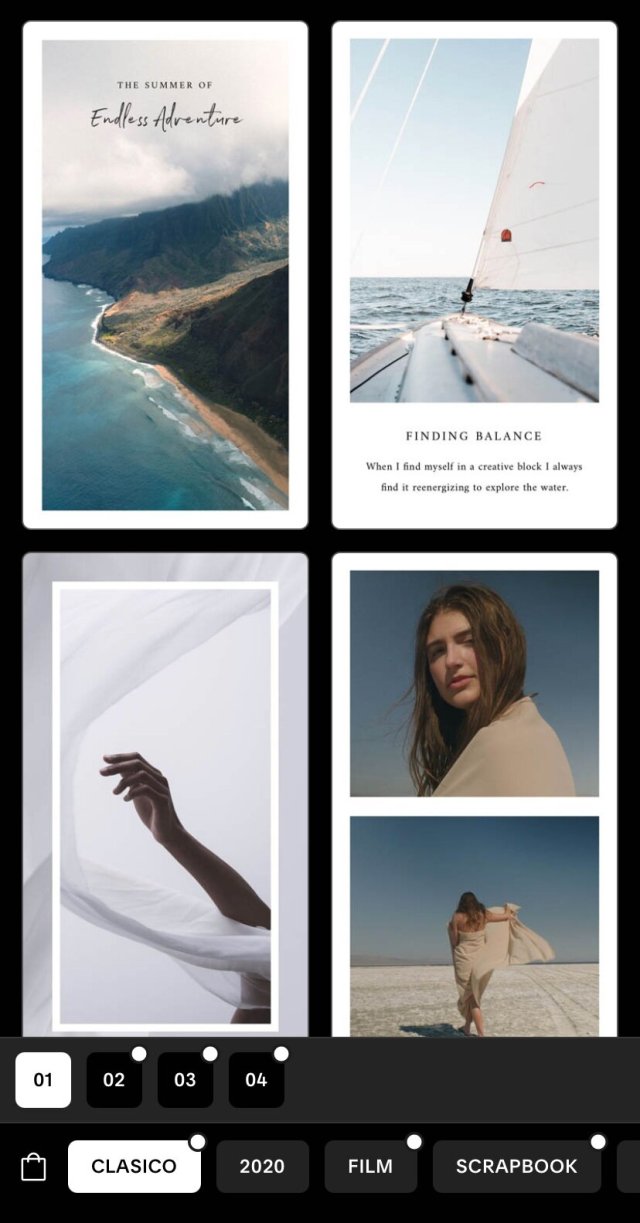
Unfold consists of beautiful templates for Instagram stories along with simple photo editing tools and the ability to add text in stunning minimalistic fonts. Some template packs are free while others range from $0.99 to $1.99. You can also purchase a subscription for access to all packs and editing features. I love this app because it makes it so easy to create beautiful Instagram stories with minimal effort. The templates layout photos in various ways and you can add text to your liking. I personally like the aesthetic of Unfold over Storyluxe. Download the app here.
6/ Storyluxe
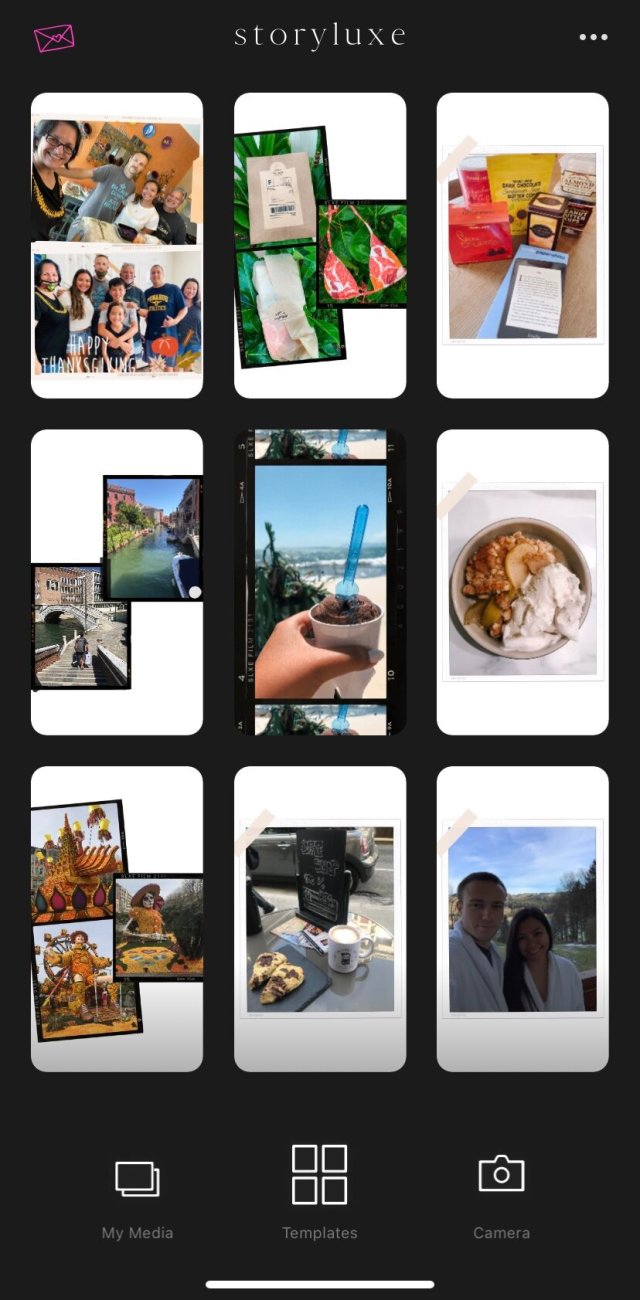
Like Unfold, Storyluxe provides many beautiful templates to achieve a cohesive look on your Instagram story. Storyluxe provides many more free templates than Unfold, which is its main advantage. The editing tools are somewhat limited, but if you are looking for a free or inexpensive way to make your Instagram stories stand out, this would be your app! Download the app here.
7/ UNUM
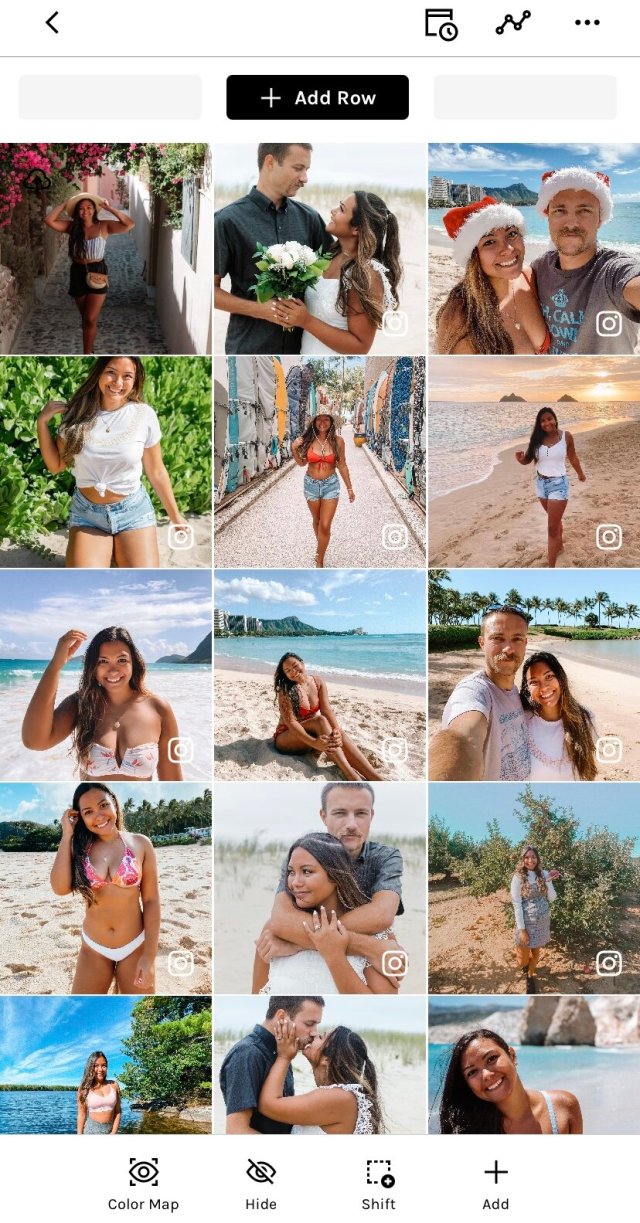
UNUM is an easy, user-friendly way to plan out your Instagram feed. You can add and rearrange posts to start or maintain a cohesive look to your profile. In UNUM, you can also add captions to copy and paste when you are ready to post your photo. The app also includes a calendar to remind you when to post and connects with your Instagram to provide you with the analytics of your profile. Download the app here.
 Britt Kehaulani
that’s really an awesome post. love it
LikeLike
Thank you very much!
LikeLike